Notes from the edge of the web
Lookoutrakivaro
Dispatch · Interaction · Updated January 2026

Voice, Spatial and Beyond

Every interface we now take for granted was once a strange demo. Tracing that path is the best way to judge which of today's experiments will stick.

The long arc of the interface

New interfaces rarely replace old ones. The keyboard survived the mouse, the mouse survived touch, and touch will almost certainly survive voice and spatial input. What changes is the default: the mode most people reach for first. History suggests that a new default takes hold only when three things line up at once: a capable device, an affordable price and at least one task that is clearly better done the new way.

The timeline below marks moments where those conditions began to align. Dates refer to public demonstrations or consumer releases.

Timeline

From light pens to spatial computing

Sketchpad

Ivan Sutherland's MIT thesis lets users draw directly on a screen with a light pen, introducing ideas behind object-oriented graphics and direct manipulation.

The first head-mounted display

Sutherland and Bob Sproull build the "Sword of Damocles", a ceiling-suspended headset that overlays simple wireframe graphics on the room.

The Mother of All Demos

Douglas Engelbart presents the mouse, hypertext, windows and real-time collaboration in San Francisco.

Xerox Alto

Xerox PARC's Alto pairs a bitmapped display with a mouse, shaping the graphical desktop that later reached the Apple Macintosh in 1984.

Multitouch for everyone

The iPhone turns pinch and swipe into everyday gestures and makes the finger the world's most common pointer.

Voice assistants arrive

Siri launches on the iPhone 4S in 2011; Amazon's Echo brings Alexa into kitchens in 2014. Voice becomes ambient, though mostly for simple commands.

WebXR in the browser

The WebXR Device API ships in Chrome, letting websites open immersive VR and AR sessions without an app store.

Mixed reality goes mainstream-priced

Meta Quest 3 brings colour passthrough to a consumer headset, blending virtual objects with the real room.

Eyes and hands as input

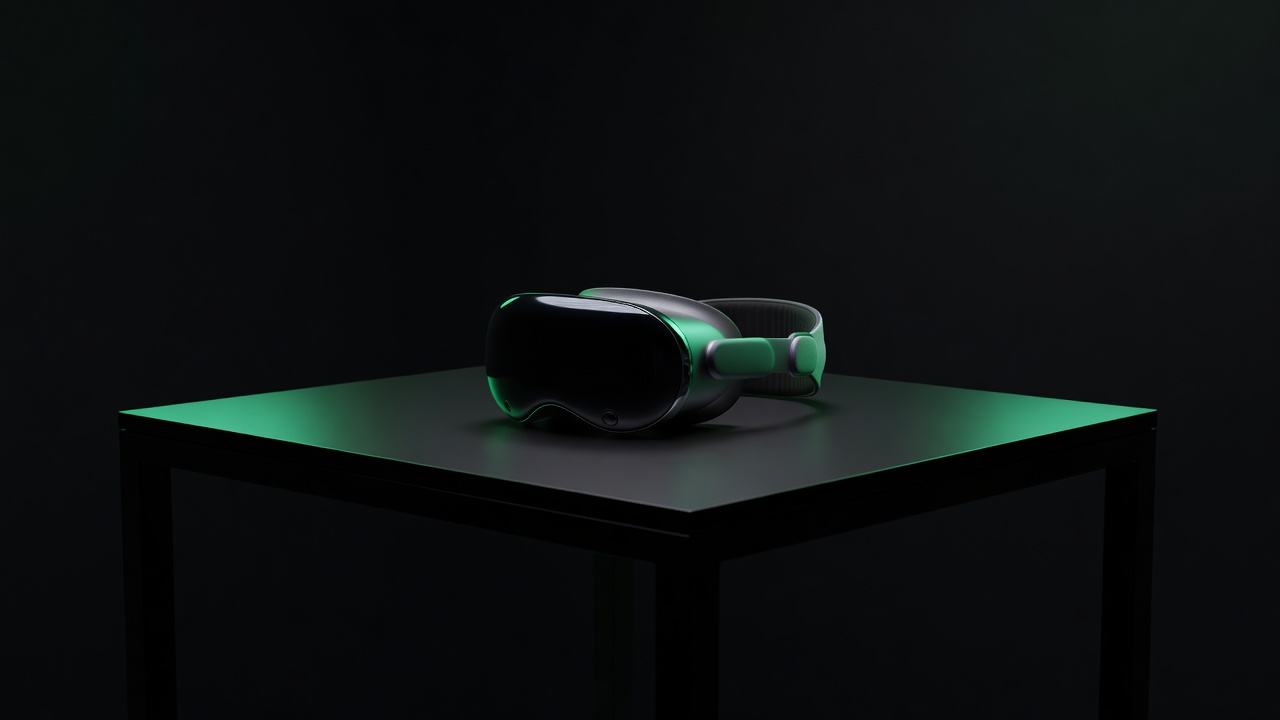
Apple Vision Pro launches with gaze-and-pinch control. Meta shows its Orion AR glasses prototype with a wrist-worn neural interface.

Conversational, multimodal assistants

Assistants that see through a camera, hear natural speech and reply in real time move voice beyond timers and weather.

What looks real, and what still looks like a demo

Conversation is finally conversational

Earlier voice assistants failed because they parsed commands rather than understanding requests. Large language models change that. Speaking to software now works for open-ended tasks such as drafting, planning or describing what a camera sees. The remaining barriers are social more than technical: many people still feel awkward talking to devices in public.

Spatial computing is waiting for its spreadsheet

Headsets are impressive and genuinely useful for some work, such as large virtual displays, design review and training simulations. But the category has not yet found the task that makes it indispensable for most people, the way the spreadsheet did for the personal computer. Weight, battery life and price are improving each generation; we expect lightweight glasses rather than full headsets to carry the next wave.

Subtle inputs are the sleeper

Electromyography wristbands, which read the electrical signals of muscle movement, may matter more than any display. A barely perceptible finger twitch as a click would make computing quieter and more accessible. Brain-computer interfaces, such as those trialled by Neuralink and Synchron, remain medical research for people with paralysis, and should be discussed as such.

Field noteFor builders, the open route into spatial interfaces is the WebXR ecosystem; libraries such as three.js and A-Frame let you prototype in the browser.